Accurate record-keeping is essential when you review ceramic samples online. You need records that are reliable, neat, and easy to find. This is especially true with handmade ceramics from clayesouk. Digital records assist you in tracking every detail. Occasionally, you may encounter issues like blurry photos or missing information. You might also confuse different samples. Taking careful steps can help you maintain clarity and integrity in your work.
Key Takeaways
Make your workspace neat by making clear folders for ceramic samples. Give each folder a name that helps you find it later.
Put a special code on every ceramic sample and take clear photos with the code showing. This makes it easy to match your notes to the right sample.
Use spreadsheets to write down what you see and your results. Keep each note short and neat so you do not get mixed up.
Save your records in the cloud so you can get them anywhere and back them up. Keep more than one copy in different places to keep your data safe.
Check your records often and teach your team how to use templates and checklists. This helps everyone do things the same way and keeps your ceramic analysis correct.
Getting Ready to Look at Ceramic Samples Online
Getting Digital Tools and Files Ready
Set up your workspace before you start. Make a folder on your computer for your project. Give each file a name that makes sense. This helps you find things later. For example, call a folder “CLAYE_Sample_Review.” Make smaller folders for pictures, reports, and test results.
Tip: Use a spreadsheet to write down details about each sample. This keeps you organized and stops mix-ups.
Check your internet to make sure it works well. Make sure your devices have enough space for files. Update your software so you do not have problems during your review.
Labeling and Getting clayesouk Samples Ready
Labeling is very important for handmade pieces from clayesouk. Give each sample its own code or number. Write the code on a tag and put it on the sample. Take a clear picture of the sample with the label showing. This helps you match your notes and pictures to the right piece.
Clean each sample gently before you test it. Use a soft brush or cloth to wipe off dust. This keeps the surface clean for looking at and taking pictures.
Getting Ready for XRF Analysis
XRF analysis lets you check if your samples are good and real. Put your sample on a clean, steady table. Make sure the label can be seen in your setup. Follow the steps for your XRF analyzer. Write the results in your spreadsheet right after you finish the test.
Note: Always check your notes again to make sure there are no mistakes.
If you do these things, you will be ready for a smooth and correct review from far away.
Recording Observations and Ceramic Analysis Results
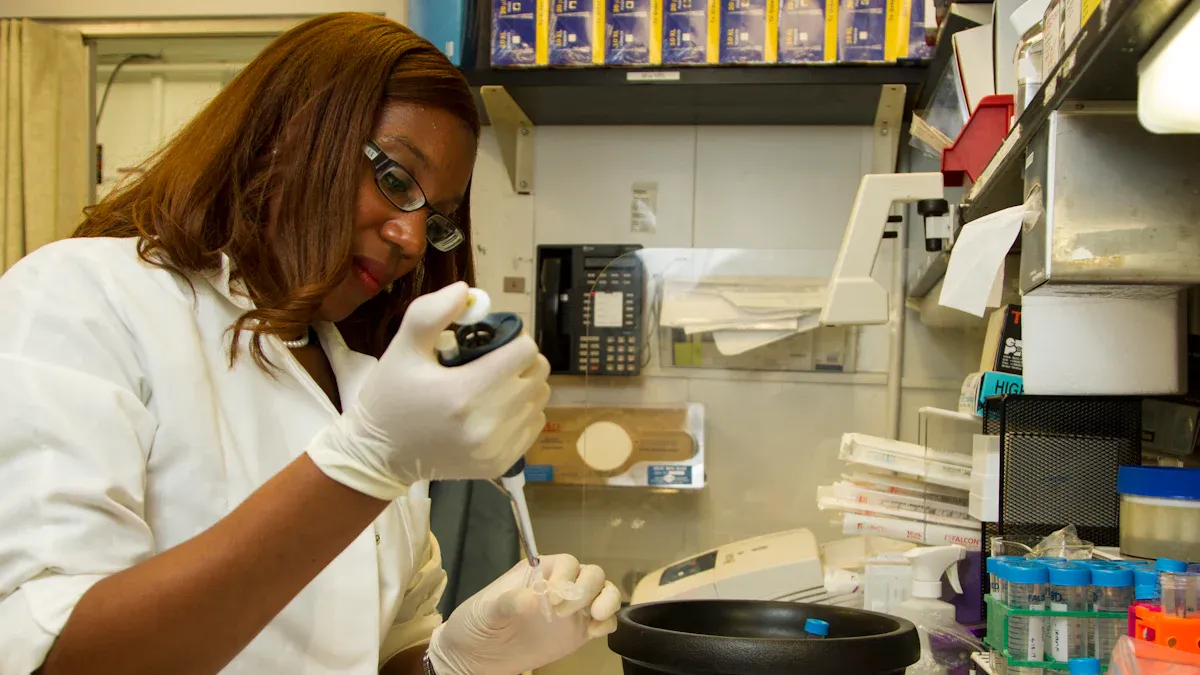
When you look at ceramic samples, you must keep your notes neat. Good notes help you compare results and see patterns. They also help you not make mistakes. Digital tools can make this job easier and more trustworthy.
Using Spreadsheets for Data Entry
Spreadsheets are great for keeping track of your results. You should make your spreadsheet with clear labels at the top. Each row should have just one test or note. This makes it simple to find what you need later.
Here are some tips for making your spreadsheet:
Make a new column for each thing, like sample code, date, test type, and results.
Do not use colors or bold words to show things. If you need more details, add another column.
Do not use merged cells or comments in cells. Put measurement units in the column labels.
Make sure your column labels are easy to understand. Do not use spaces or special marks.
If you use codes, keep a code book to explain them.
Do not put different kinds of information in one cell. If you have mixed data, split it up before you start.
Only put one table on each sheet. This keeps your work neat and simple.
Tip: Good spreadsheets help you follow your ceramic analysis and make it easy to share your results.
Capturing Photos and Image Analysis
Photos are very important in ceramic analysis. Good pictures let you see small things, like cracks or glaze problems, that you might miss. When you take photos, make sure the light is good and the label shows in every picture.
Here is a table that shows how good photos help you:
Aspect | Description |
|---|---|
Lets you see tiny problems and details in ceramics. This makes your work more correct. | |
Automated Detection Systems | Good photos help computers find problems in ceramic samples faster and better. |
Image Processing Techniques | Special methods make your photos clearer, which helps you study ceramics well. |
You can use computer programs to look at your photos. Some programs use special tools, like cathodoluminescence microscopy, to show more about the minerals and textures in your ceramics. These tools help you measure and compare things in a way you can do again.
Digital image analysis lets you check how your samples look and what they are made of.
You can use these tools to sort ceramics by what they are made of and see differences between samples.
Note: Always save your photos with names that match your spreadsheet. This makes it easy to find and compare pictures when you review ceramic samples.
Documenting Glaze Testing Results
Testing glazes is a big part of ceramic analysis. You need to write down every detail about each test. This helps you do well again and not repeat mistakes. When you write about glaze testing, include all the important facts.
Here is a table of what you should write down:
Aspect to Document | Details |
|---|---|
Peak Temperature | Write the highest temperature you used during firing. |
Heating and Cooling Rates | Write how fast the kiln got hot and cooled down. |
Observed Failures | Write down any problems, like cracks or bubbles, that you saw. |
CTE Measurements | Keep a list of Coefficient of Thermal Expansion numbers and note any problems. |
Visual Inspection | Look at fired tiles under bright light for problems like crazing or pinholes. |
Photographic Documentation | Take pictures of any problems and label them with the sample code. |
Long-term Service Simulation | Test how the glaze lasts over time, like with heat or wear tests. |
Decision Record | Write a short summary of what you found and why you made your choices. |
Writing good notes during glaze testing helps you keep track of materials, steps, and results. Good notes let you do what works again and skip what does not. You can use your notes to get better at making ceramic glazes.
Tip: Always link your glaze testing notes to your spreadsheet and photo files. This keeps all your ceramic analysis records together and easy to use.
If you follow these steps, recording results will be easy and correct. You will have a strong base for future ceramic analysis and make sure your work stays right and helpful.
Storing and Managing Digital Records
Cloud Storage and Backup Solutions
You need a safe place to keep your ceramic sample records. Cloud storage gives you easy access from any device. Services like Google Drive, Dropbox, or OneDrive let you upload files, photos, and spreadsheets. You can open your records at home, in the studio, or while traveling.
A good backup plan protects your work from loss. Experts suggest you keep three copies of your data. Store the original file, make two extra copies, and use at least two different types of storage. For example, save one copy on your computer and another in the cloud. Keep one copy in a different place, like an external hard drive at home and a cloud backup online. This way, you stay safe if your computer breaks or you lose internet access.
Here is a simple table to help you remember the best backup plan:
Component | Description |
|---|---|
Three copies of your data | Keep the original and two extra copies for safety. |
On two different media | Use both a local drive and a cloud service to lower risk. |
One copy off-site | Store one copy in a different place to protect against disasters. |
Tip: Set a reminder to check your backups every month. This helps you catch problems early.
Easy Retrieval and Sharing
You want to find your records quickly. Use clear folder names and file names. For example, name your folders by project or date, like “CLAYE_Sample_March2024.” Add sample codes to file names, so you know what each file shows.
Sharing records with your team or clients is simple with cloud storage. You can send a link or invite others to view or edit files. This makes teamwork easy and keeps everyone updated.
Use folders for each project or sample batch.
Add tags or notes to files for quick searching.
Archive old records in a special folder to keep your workspace tidy.
Note: Always check sharing settings before you send files. Make sure only the right people can see your records.
With these steps, you keep your ceramic sample records safe, organized, and easy to use.
Ensuring Consistency and Accuracy in Remote Reviews
Templates and Checklists for Review
You can keep your ceramic analysis organized by using templates and checklists. These tools help you follow the same steps every time you review ceramic samples. A good template lists all the details you need to record, such as sample code, date, and results from xrf analysis. You can add sections for glaze testing, visual inspection, and notes about the ceramics.
A checklist helps you remember each step in your testing process. For example, you can check off when you clean the ceramic, take photos, or finish a test. This makes sure you do not miss important steps. You can make your own checklist or use one from a trusted source.
Tip: Print your checklist or keep it on your device. Check off each task as you finish it.
Here is a simple table for a ceramic review checklist:
Step | Done? |
|---|---|
Label sample | |
Take photo | |
Run xrf analysis | |
Record results | |
Complete glaze testing |
Regular Audits and Team Training
You need to check your records often to keep your analysis accurate. Regular audits help you find mistakes or missing information. You can set a time each month to review your ceramic testing files. Look for errors in your data or photos. Fix any problems right away.
Team training is also important. Teach your team how to use templates and checklists. Show them how to record results for ceramics and how to follow each testing step. You can hold short training sessions online. This helps everyone follow the same process and keeps your quality high.
Note: Brands like clayesouk focus on quality by training their teams and using careful review steps. You can do the same to improve your ceramic analysis.
When you use templates, checklists, audits, and training, you make your ceramic testing more reliable. You also help your team work better together.
You can keep good records when you look at ceramic samples. First, sort your files and learn how to keep records. Use folders and digital tools to stay organized. Try using a tickler system to remember deadlines and events. Put your records in the cloud so you can get them anywhere. These habits help you work quicker and make fewer mistakes. See how brands like clayesouk use old ways and new tools to help with ceramic analysis.
FAQ
How do you keep your ceramic sample records organized?
You should use folders with clear names for each project. Store photos, spreadsheets, and notes in the right folders. This helps you find your files quickly.
What is the best way to label handmade ceramic samples?
Write a unique code on a tag for each sample. Take a photo with the label visible. This links your notes and photos to the correct piece.
Why should you use cloud storage for your records?
Cloud storage lets you access your files from any device. You can share records with your team easily. It also keeps your data safe if your computer stops working.
How can you help your team follow the same review process?
Train your team to use templates and checklists. Hold short online sessions to show each step. This keeps everyone on track and improves your results.